The book is created from the help file. So you can use the book, or use the help, whatever works best for you.
To get help at any screen, just press F1 on the keyboard or click on the Help Button on the screen. When you are in a help topic, there may be words that are Underlined in Blue. These are called hyperlinks, and will take you to a different topic. For instance, if you click on the words Getting Started, it will take you to the Getting Started Topic.
If you want to go back to the previous topic, click on the Back Button at the top of the screen.
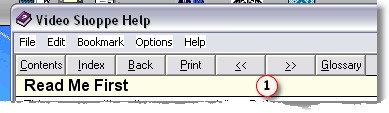
If you want to go forward or backward in the help file, in the order of the topics (like turning pages in a book), click on the arrow buttons  .
.
Contents is the Table of Contents. This lists all of the topics in Chapter order.
The Index is a good way to search for a section by keyword.