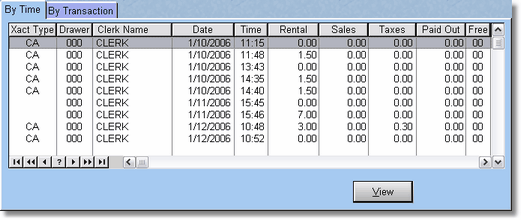
This is the transaction data, also known as the cash file.
The Daily Transaction File will be blank, if you have reconciled your cash drawer. This option is used for viewing transactions. The Transaction File is in order of date and time. Pressing ENTER or clicking VIEW on a selected transaction lets you view of all the transaction fields.
Some fields will be blank, depending on the type of transaction. This file is printed in full, then deleted, when you reconcile the cash drawer.