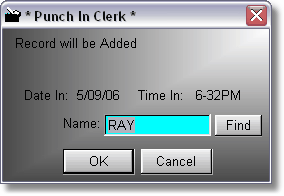
The Time Clock allows clerks to punch in and punch out of the time clock. When punching in, it defaults to the clerk that is signed in to the program, but the clerk can click on Find, and punch themselves in.
This is not the same thing as signing in as a clerk to use the program. This is punching in, like the old cards that you would use in the punch clocks.
When a clerk needs to punch out to go home, it is the same procedure, just click Time Clock, Punch Out.
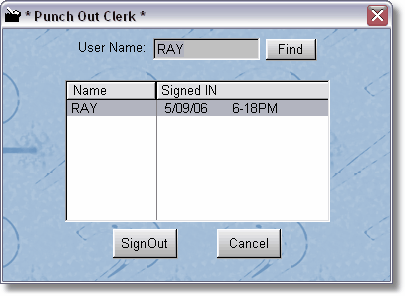
Now the clerk may have to click Find if they are not the clerk that is punched into the program. There should be a record indicating when the clerk originally punched in. You cannot punch out if you haven't been punched in.
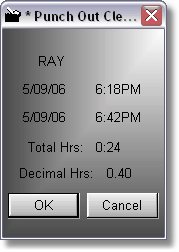
You can edit, or print lists of hours in the Employee Hours section under Store Maintenance.