Clicking on Replicate Inventory will allow you to make multiple copies of the inventory item that is highlighted.
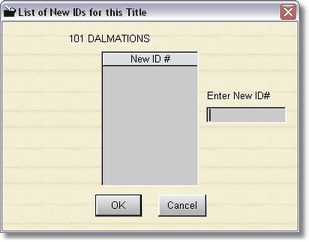
You will want to use replicate if you already have barcodes printed, or numbers that you want to assign yourself. Simply type in the number(s) and press enter, or scan in the numbers with your barcode reader. Once you have a list, click on OK, and the highlighted inventory item will be created with the new numbers.