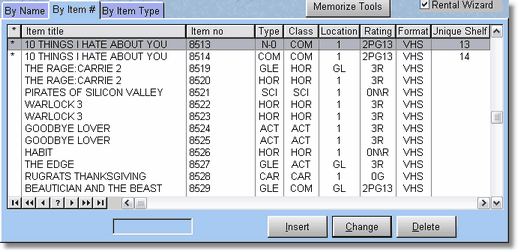
When searching for an item by Item ID #, the locator works a bit differently so it will work easier with a barcode reader. Instead of the locator finding the item as you type, it will search as soon as you press tab or press enter. If you press enter (as a barcode reader will do), the item editing form will be displayed on the screen. If you press tab, the item will be highlighted, then you will need to press enter or click change to edit the item.
NOTE: If you press enter or use a barcode reader, make sure it is the correct item, as the locator will find the closest match, then the barcode reader presses enter for you, so if the item doesn't exist, it is possible you may select the wrong item. Just pay attention when editing.