Click on the Duplicate Inventory button to automatically duplicate the inventory item you are highlighted on, by number or letter, depending on what you have selected in the Company Setup form.
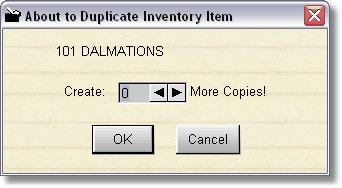
Once you've entered an inventory item and you've returned back to the Rental Browse screen, you can click on Duplicate Inventory, select how many more copies you want, click ok, and the inventory item that is highlighted will be created with new ID numbers. If these ID numbers already exist, they will not be created, and an error will be displayed.