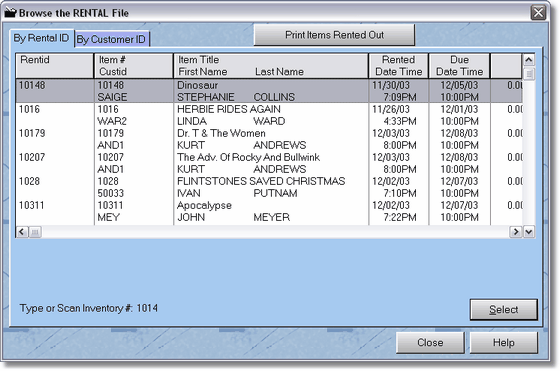
This is the actual rental file. Anytime you rent or sell an item, it goes in here. With sale items, when you process the transaction, they are erased out of the rental file (because you are done with them.) For rentals, the records are changed to the status of PD or paid, and they remain there until you return or cancel the item.
If you have an item that is rented out, or you find you can't return it from bulk return because the transaction was never completed on the item, you can find it here. Type in the item ID number and press tab (then make sure you are on the right item, then press enter), or scan in the number. If you were highlighted on the correct inventory item, the customer will be displayed on POS screen 2.
You may also print out rentals by a date range by clicking the Print Items Rented Out Button.