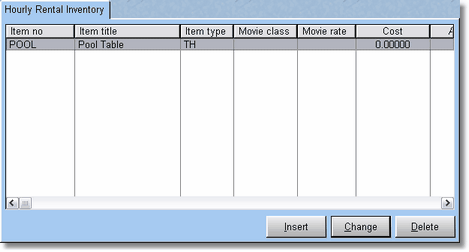
Hourly rentals allow you to rent something by time. Usually, this is for an item that stays in the store, like a pool table, or a video game, that you rent by the hour.
Basically you are selling time. When you first put the item on the screen, it will not charge anything, unless you have a deposit. Process the transaction right away, because that is when the time is started for the rental of the item, perhaps the pool table.
When they are done playing, they can bring up their receipt, return their que stick, game paddle, etc. You will then go into the customer POS Screen, and return the item by pressing F7, or highlighting the item and pressing F9, then Delete.
At that time, the item will change into a sales item with the correct amount of money due. Collect the money, and process the transaction.