Once an item is on the screen, you can highlight the item (by pressing F9 or using your mouse), then press Alt-D to discount the item.
To reverse the discount, highlight the item and press enter twice and it will return to its original price.
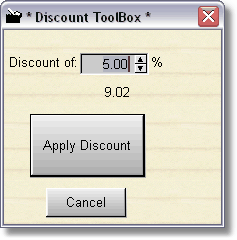
To adjust the sales discount level, when in manual mode and you are selling the item, there is a percentage button. Click the button to adjust the percentage. This is also the package percentage if you use the sales package discount button (located above the F2 button.)