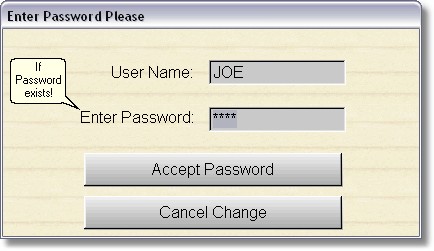
Clerk Name and User Name are the same thing.
The clerk name is printed on each invoice and is tracked in the transaction file. If you use this option you MUST enter the clerks name in the Edit Password section of Store Maintenance. If there are no clerks (users), the program will not do anything when you press the F9 Key.
Pressing or clicking on F9 from either the Main Menu or POS1 will display the screen to enter a clerks name and password. You will also be prompted when the program first starts up. After typing in the name, press enter. Then if it asks you for a password, type it in and press enter. Passwords are case sensitive, User names are not case sensitive.