Once you've reconciled the cash drawer, all detailed transaction records are purged. But, they are transferred to the Cash History file, which is an exact duplicate of the cash transaction records. You can setup how long you wish to keep transaction history in More Company Info.
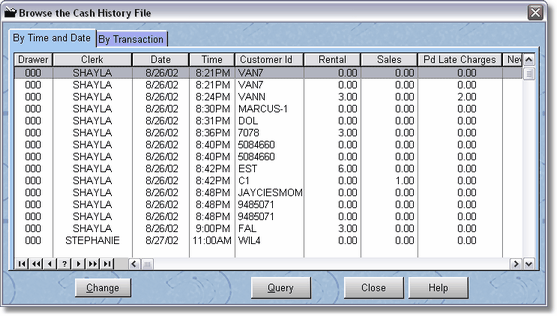
The order of the records are by date and time. You can browse by using the Page Up or Page Down keys or using the VCR Buttons. You can also use the query button.
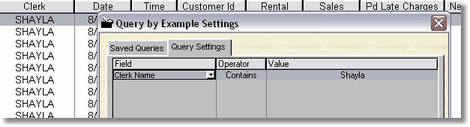
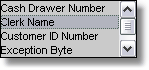
By clicking on the down arrow, you can see all the possible fields you can query on, Cash Drawer #, Clerk Name, Customer ID Number, Exception Byte, Transaction Date and Transaction Type.
Then by clicking on the Operator and the down arrow, you can use Contains, Begins with, >= (greater than or equal to), <= (less than or equal to), = (equal to), Not = (not equal to).
Then Click on the Value field and type in the value.
You may add (by pressing insert), more than one query.

In this case, both the transaction date must equal 08/26/02 AND the Clerk Name must contain Shayla.
You will want to clear the query by actually deleting each query item. You may save your queries for future use by clicking on Save Query, typing in a name, and clicking on save. It is a good idea to experiment a little if you plan on using this feature.